

The events
Atlas uses one set of names everywhere in the app. Twelve events exist; eleven can be sent to a platform. Identify is internal and never leaves Atlas.
A few things worth knowing about the sources:
- The tracker is the Referly script on your site, whether you pasted it, turned on the Shopify app embed or installed the WordPress plugin. It also records the visit itself (landing page, UTMs, click ids), which is how an order later gets matched to an ad. See How Atlas works.
- The Shopify app sends the browser events through its web pixel and the orders through webhooks. Sign ups and newsletter leads need the app’s access to customer data, covered in Shopify setup.
- Your site’s code sends events through the tracker’s JavaScript API. If you send purchases this way, identify the visitor first, otherwise the purchase carries no email. The Tracker JS API guide has the details.
- Billing integrations, the REST API, Zapier and Make send events from your backend, so they arrive even when the customer’s browser never saw your site. See Connect your data and the Events API.
Default events by business type
When you add a pixel, Atlas turns on the events that fit the business type you chose during onboarding. The defaults are trimmed to what the platform accepts, and you can change them at any time.
A business with no type set gets the ecommerce funnel.
What each platform calls them
Atlas translates its event names into each platform’s standard event, so the events land where the platform expects them and your campaigns can optimize for them. The table shows the main funnel events. A blank cell means the platform has no matching event, so Atlas does not send it there.
The four remaining events are narrower:
- Add payment info goes to Meta Ads and TikTok Ads as
AddPaymentInfoand to Snapchat Ads asADD_BILLING. No other platform receives it. - Search goes to Meta Ads, TikTok Ads and Reddit Ads as
Search, to Snapchat Ads asSEARCH, to Pinterest Ads assearchand to Klaviyo asSearched Site. - Start trial goes to Meta Ads, TikTok Ads, X Ads and Reddit Ads as
StartTrial, to Snapchat Ads asSTART_TRIAL, to Google Ads, Microsoft Ads and Taboola asstart_trial, and to Klaviyo asStarted Trial. Pinterest Ads has no trial event. - Subscribe goes to Meta Ads, TikTok Ads, X Ads and Reddit Ads as
Subscribe, to Snapchat Ads asSUBSCRIBE, to Google Ads, Microsoft Ads and Taboola assubscribe, and to Klaviyo asStarted Subscription. Pinterest Ads has no subscription event.
Choose events per pixel
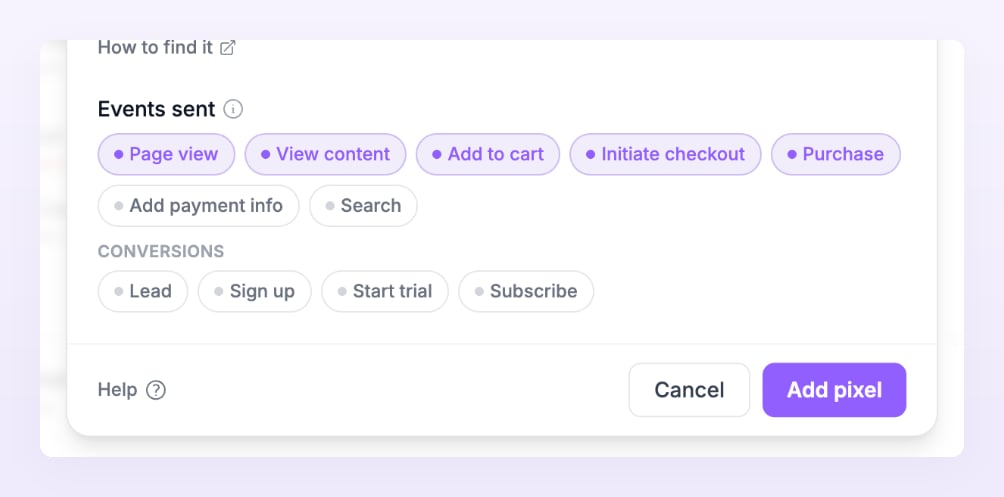
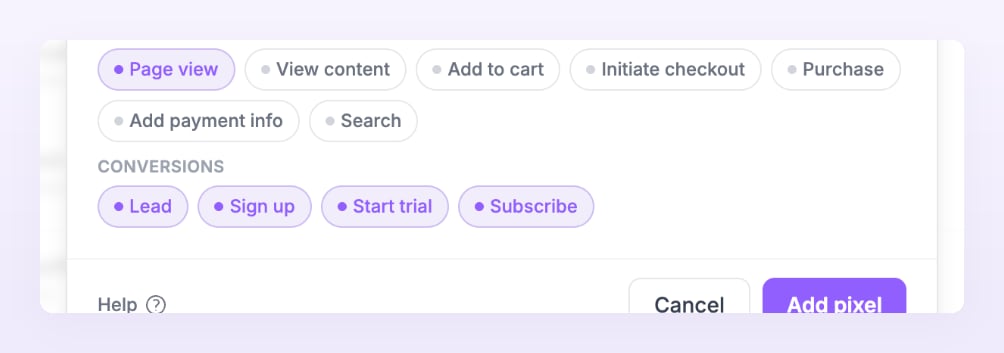
Each pixel has its own list of events. You set it in the Add your tracking pixel dialog when you add the pixel, and change it later with Edit on the pixel’s row on the Pixels and destinations page.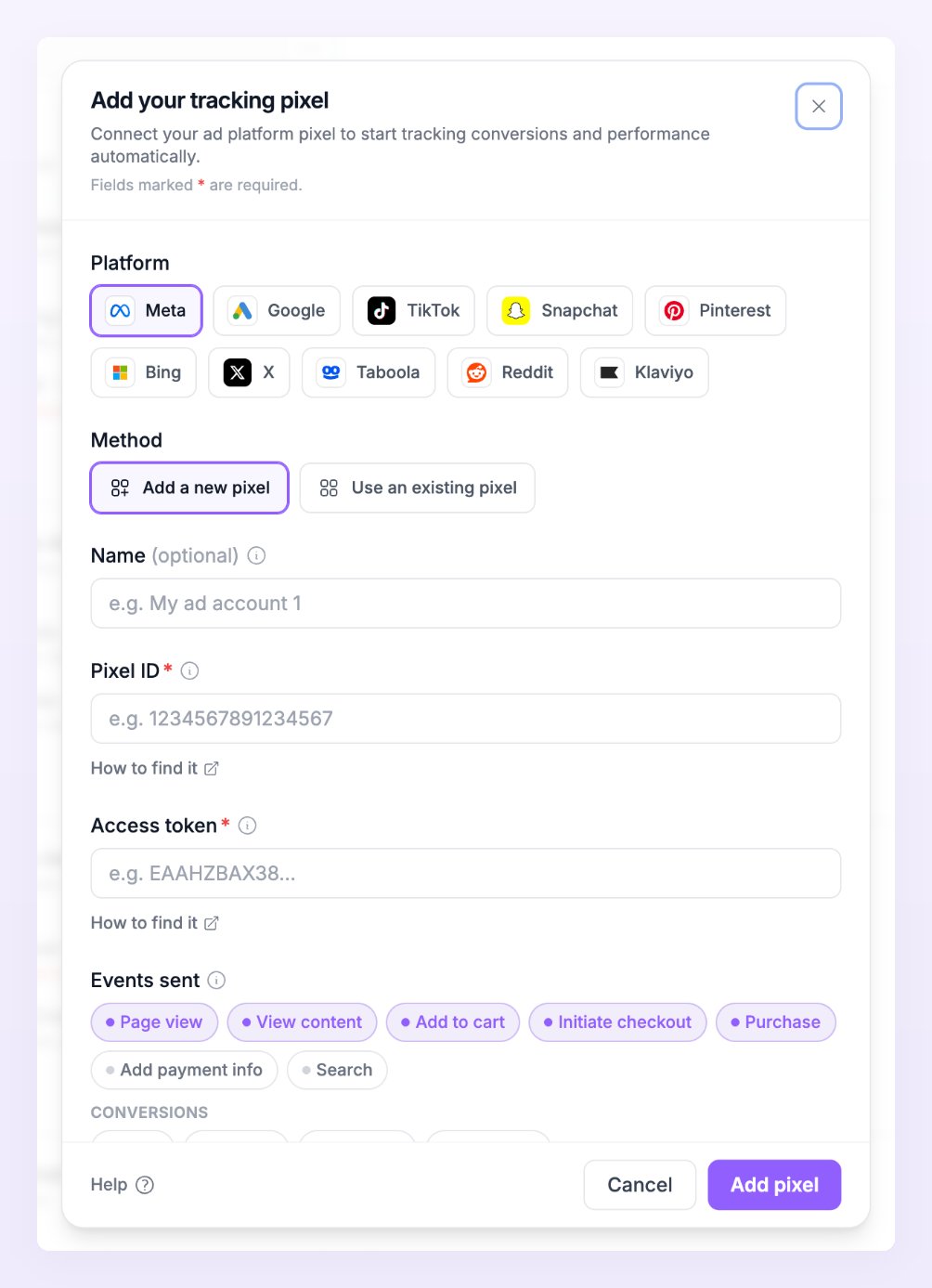
Events that need an identity
A platform can only use an event it can tie to a person or a browser. Before queueing an event, Atlas checks that it carries at least one identifier the platform can match. When it carries none, the event is not sent and shows as Skipped in Live activity with the reason “No identifiers the platform can match”. What counts as an identity depends on the platform:- Meta Ads and TikTok Ads accept an email, a phone number, an external id, their own click and browser ids, or the visitor’s IP address together with the user agent. Browser events from the tracker normally carry the last two, so page views and carts go through.
- Klaviyo attaches every event to a profile, so it needs an email or a phone number. Anonymous page views and carts are skipped.
- Taboola attributes through its click id only. Only visitors who arrived from a Taboola ad can be sent.
Related
Pixels and destinations
Add a pixel, read its row and send a test event.
Conversions
Leads, sign ups, trials and subscriptions, and where they come from.
Event filters
Send only the events that match a rule to a pixel.
Avoid double counting
When Atlas and a browser pixel report the same event.