

Add your first store
Connect Shopify, WooCommerce or any site with the tracking script, then test the connection.
Add a pixel
Paste your Meta, Google Ads, TikTok or other platform ids and start sending events.
Categories
Getting started
How Atlas works, creating your account, businesses and stores, and connecting your store
Pixels and destinations
One guide per ad platform, plus consent, privacy and how to avoid double counting
Events and conversions
The events Atlas sends, leads and sign ups beyond purchases, and event filters
Reports
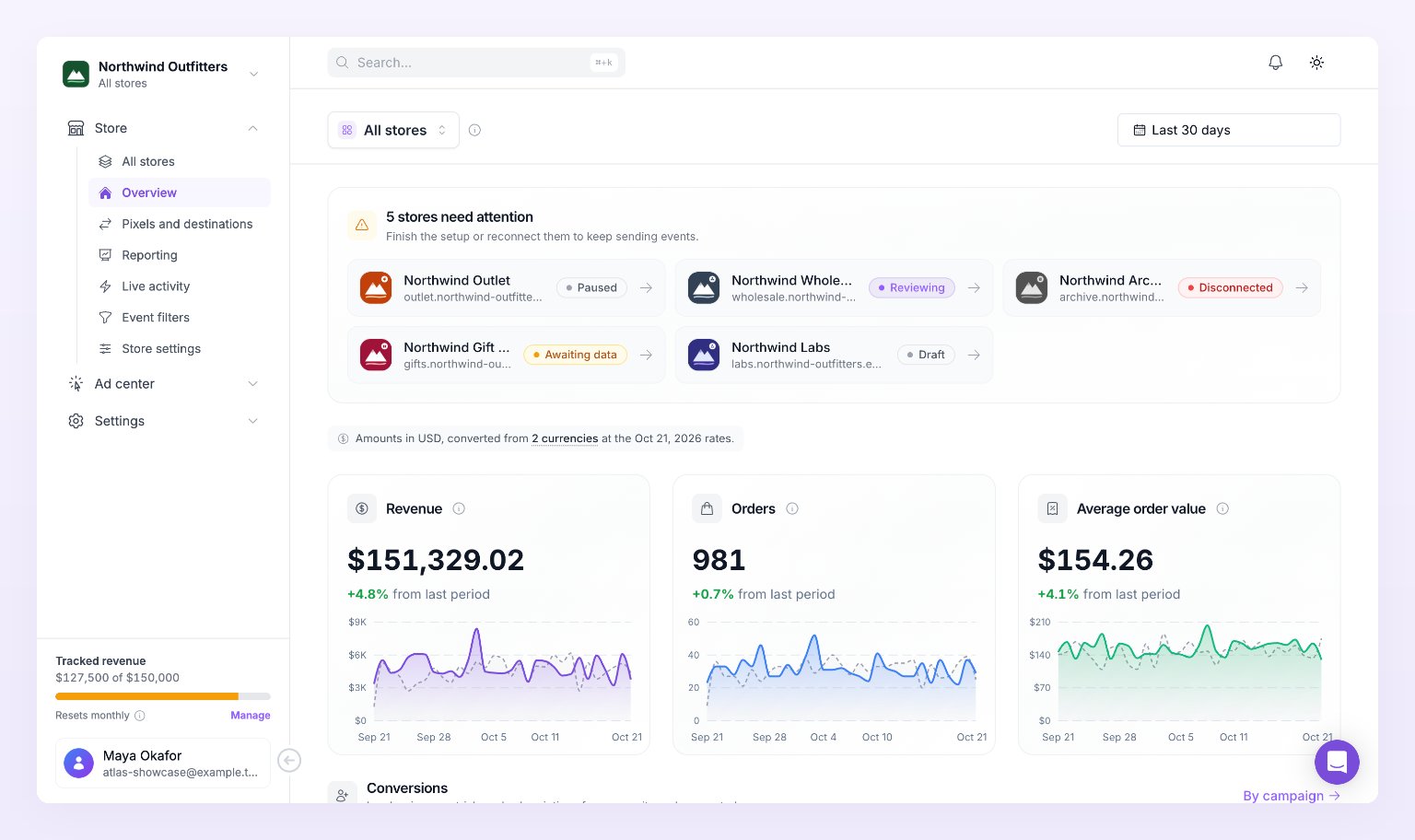
Overview, Reporting by campaign, Live activity, UTM tagging and date ranges
Ad center
Ad spend beside tracked revenue: ad accounts, dashboard, campaigns and creatives
Settings and billing
Store settings, preferences, plans and billing, and your team
Reference
Troubleshooting and every status Atlas shows
Popular articles
Connect a Shopify store
Meta Ads pixel
Google Ads pixel
Avoid double counting
Reporting by campaign
Plans and billing
Building with Atlas
Tracker JavaScript API
Send conversions, identify visitors and pass consent from your own site.
Events API
Record leads, sign ups, trials, subscriptions and purchases from your backend, Zapier or Make.
Still need help?
Contact support
Email us and we will get back to you.