

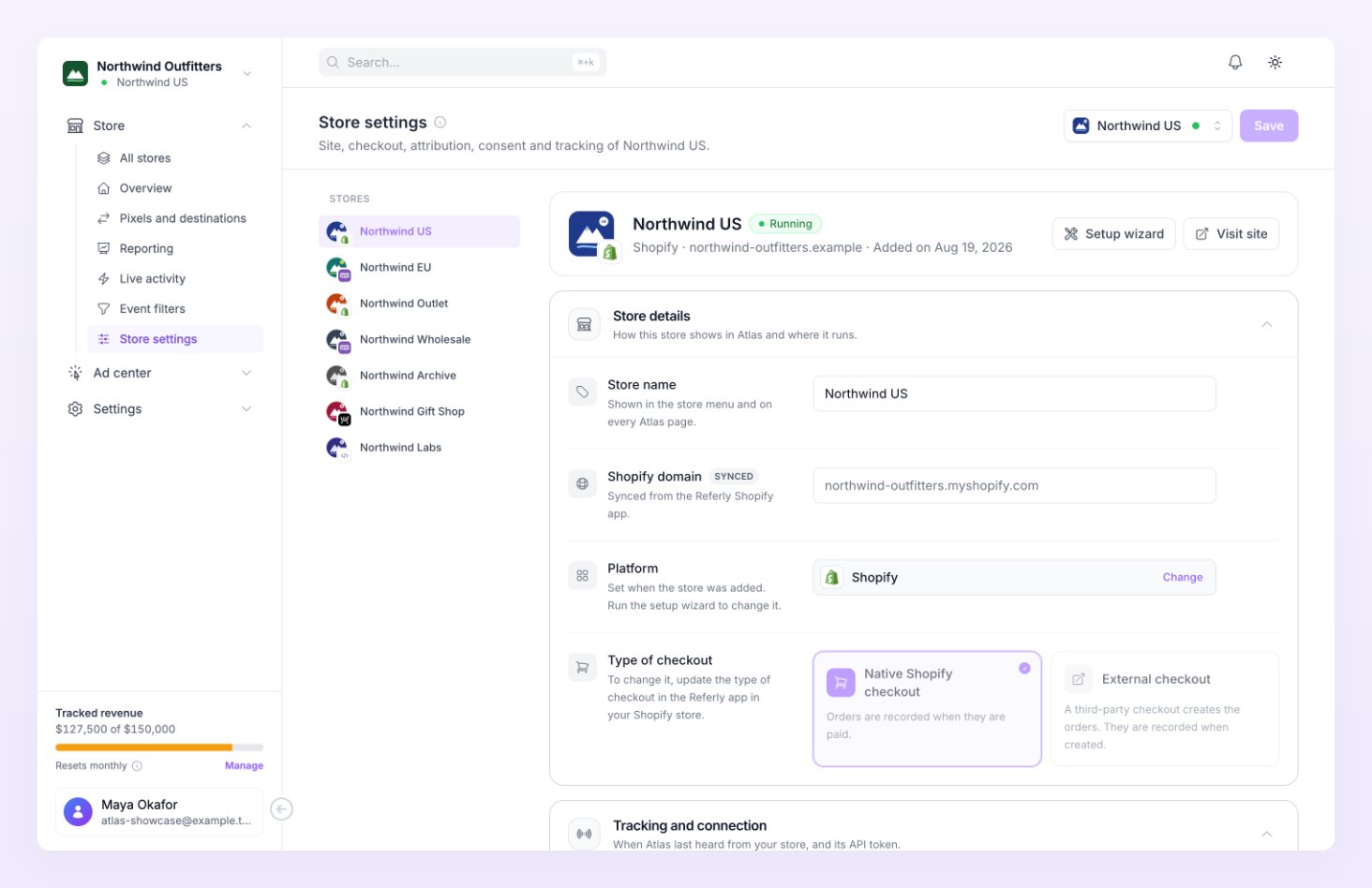
A store that is still Draft or Pending connection shows a banner above the sections: “Finish the setup of this store. Atlas starts tracking once the store is connected. You can change its settings now.”
Store details
“How this store shows in Atlas and where it runs.”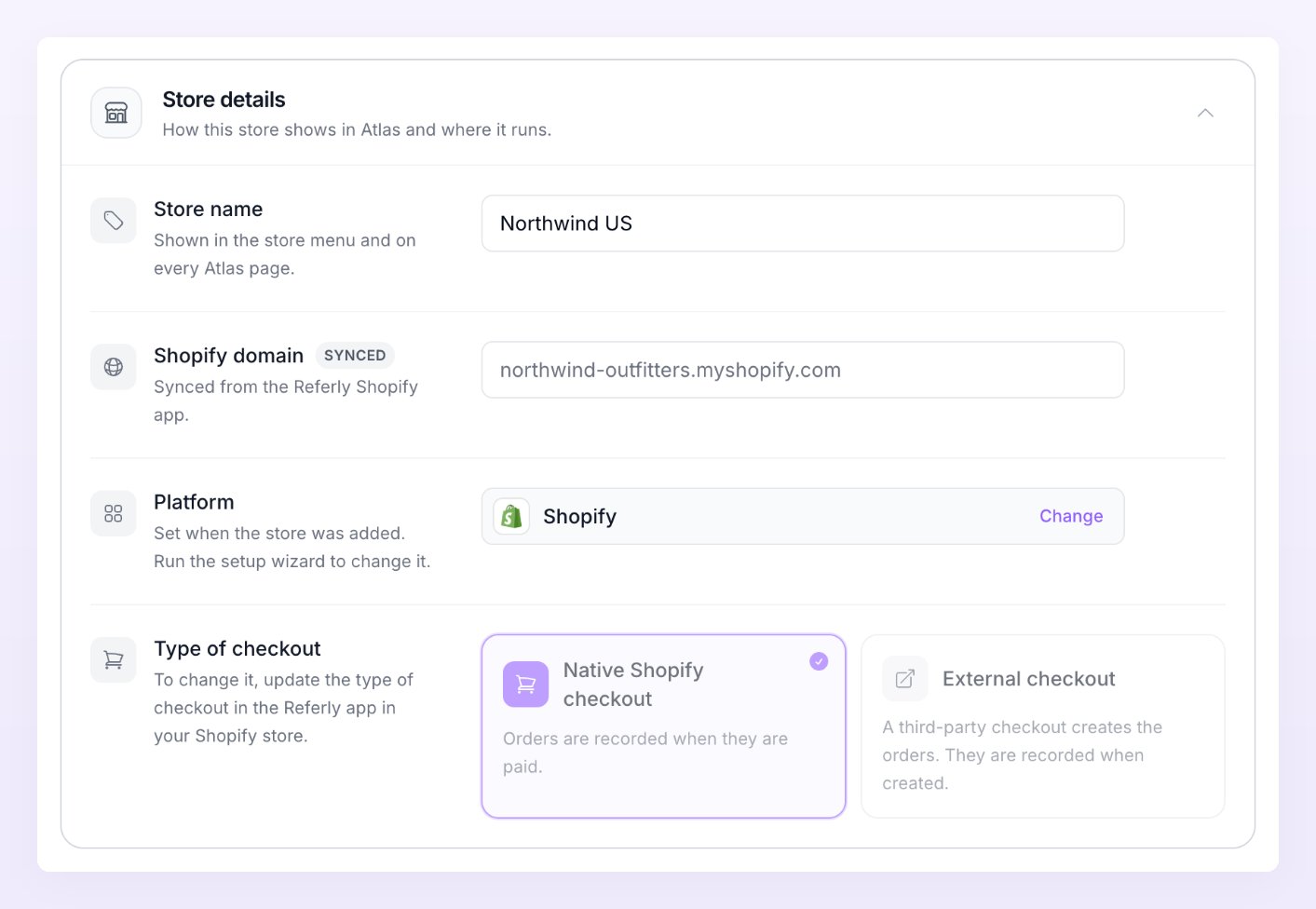
Type of checkout locks once the Referly Shopify app is connected. The helper text then reads “To change it, update the type of checkout in the Referly app in your Shopify store.” Before the app is connected it reads “Pick External when a third-party checkout creates your Shopify orders.”
Tracking and connection
“When Atlas last heard from your store, its tracking script and API token.” The section’s summary line shows when the store was last seen and how many destinations it has.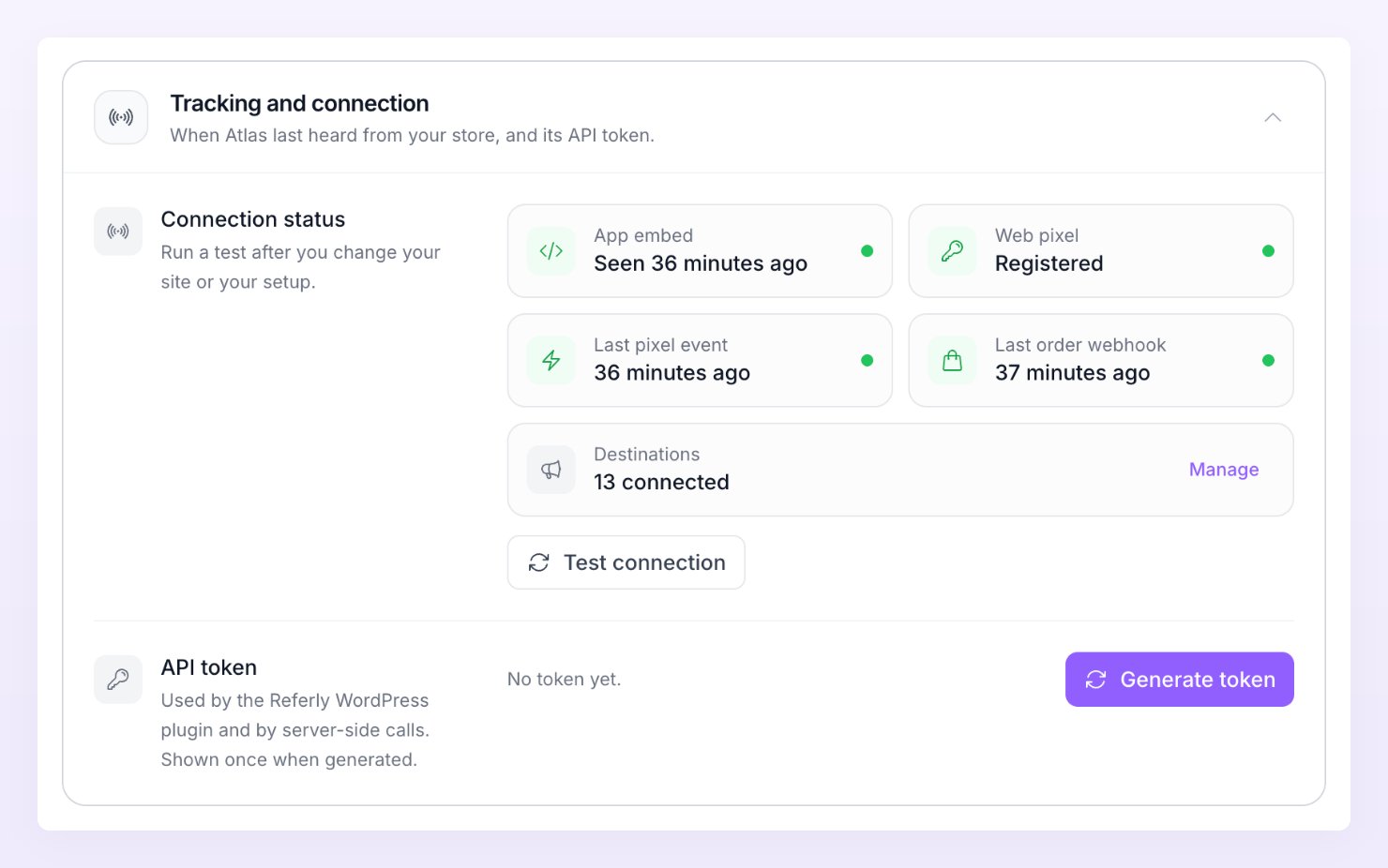
Connection status
“Run a test after you change your site or your setup.” Five tiles sum up the connection:
Press Test connection to run the four checks (the script or app embed, tracked events, the order webhook and every destination). Test the connection explains each result and what to do when one fails.
Tracking script
Shown for every platform except Shopify. “Paste it before the closing head tag on every page of your site.” On WooCommerce the helper text reads “The plugin adds it for you. Use it only if you load scripts by hand.” See Tracking script.API token
“Used by the Referly WordPress plugin and by server-side calls. Shown once when generated.” Press Generate token and copy the token (it starts withatl_) somewhere safe. The row reads “No token yet.” until you do, and afterwards shows only its last four characters.
Regenerate replaces the token. The confirmation reads “The current token stops working right away. Update your plugin or server with the new one.” You see Token generated or Token regenerated when it is done. The WordPress plugin, Zapier, Make and your own server all use this token; see Connect your data.
Currency and time zone
“How Atlas reads amounts and days for this store.”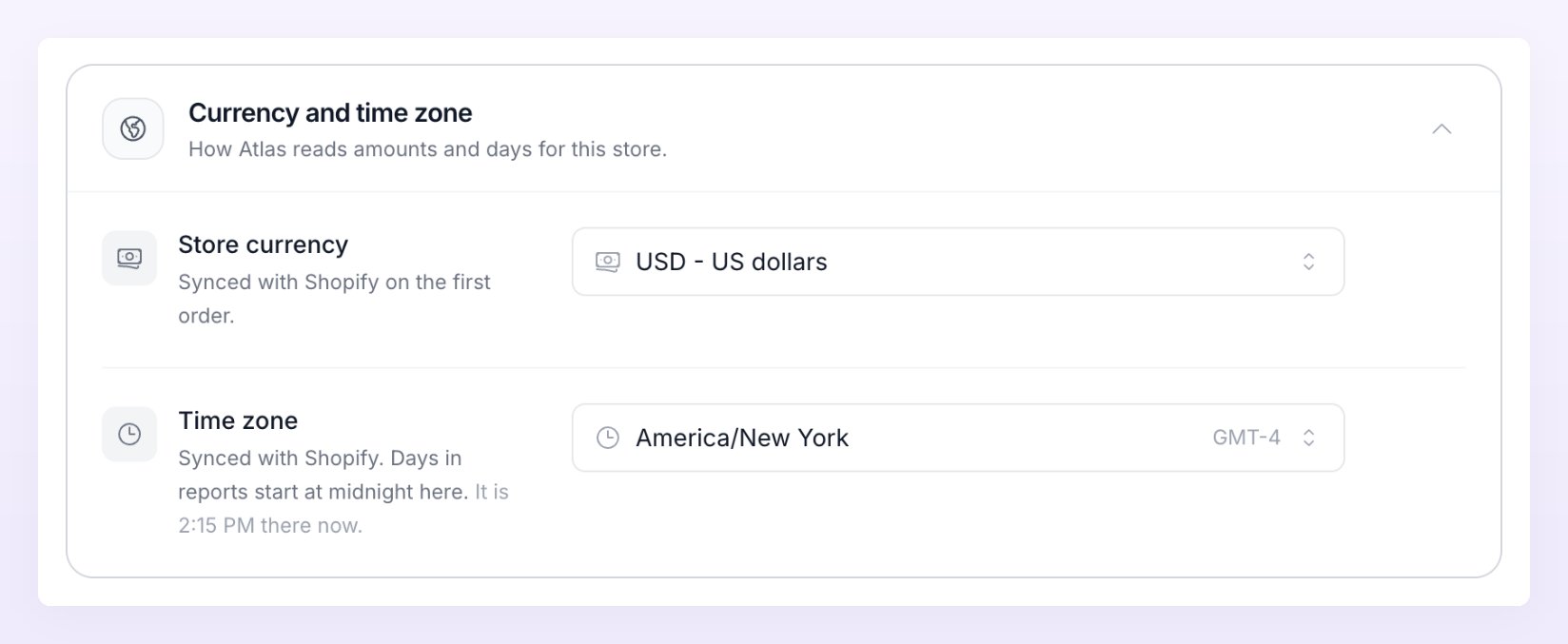
Live activity shows event times in the store’s time zone. The currency your reports are displayed in, and the account-wide time zone for report days and the weekly email, are set in Preferences.
Attribution
“How Atlas ties an order to the ad click and to the visitor behind it.”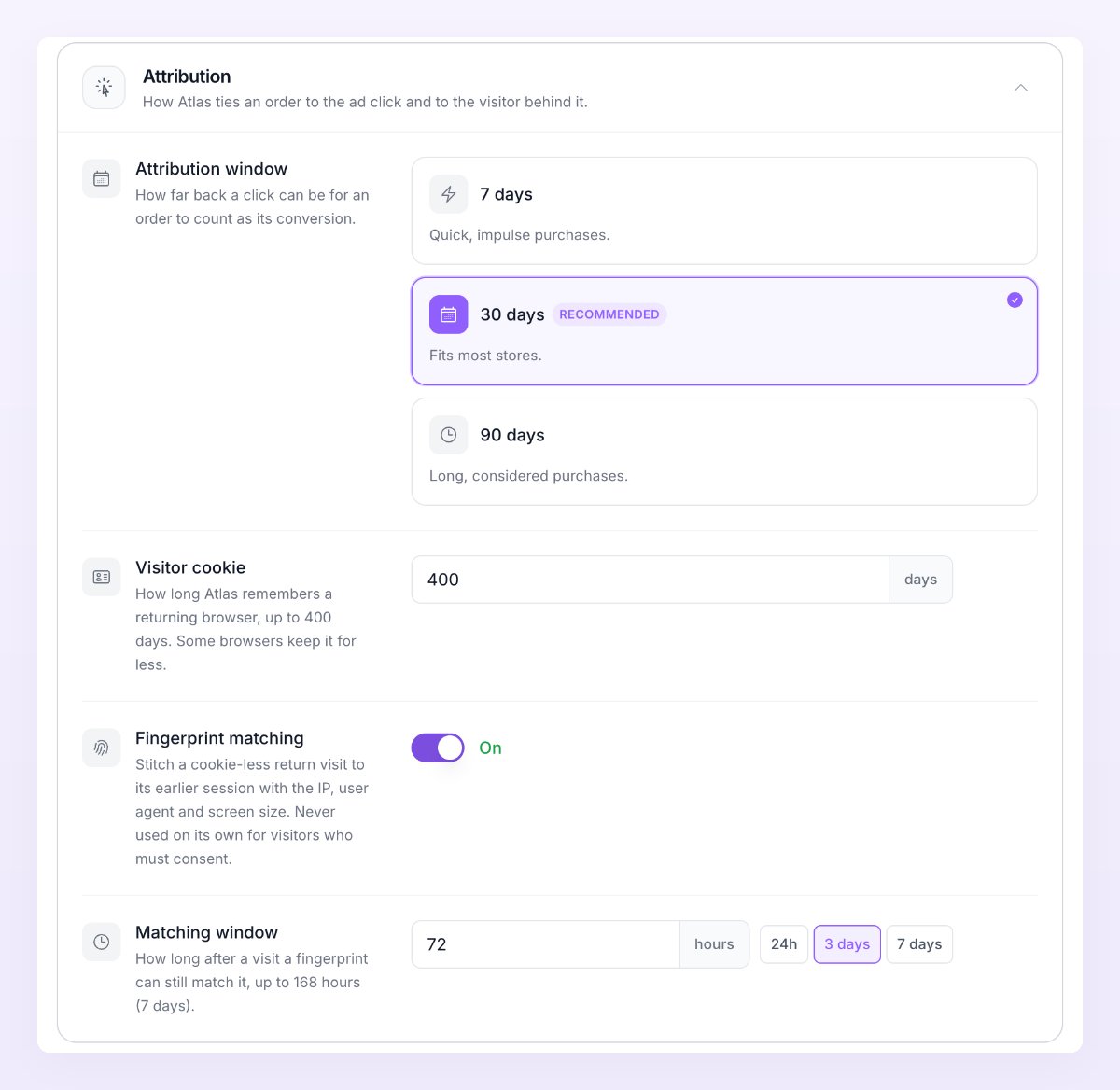
Attribution window
“How far back a click can be for an order to count as its conversion.”
The window also decides which visit gets an order in Reporting: the last qualifying session inside it. See Which visit gets the order.
Visitor cookie
“How long Atlas remembers a returning browser, up to 400 days. Some browsers keep it for less.” Enter a number of days from 1 to 400. The default is 400.Fingerprint matching
“Stitch a cookie-less return visit to its earlier session with the IP, user agent and screen size. Never used on its own for visitors who must consent.” On by default. Turn it off to match returning visitors by cookie and identifiers only.Matching window
Shown while fingerprint matching is on. “How long after a visit a fingerprint can still match it, up to 168 hours (7 days).” Use the 24h, 3 days or 7 days presets, or type a number of hours. The default is 72 hours.Privacy and consent
“What Atlas sends to your ad platforms when visitors answer, or ignore, your cookie banner.” This section sets the rules; Consent and privacy explains where consent comes from, what is hashed and how each choice plays out.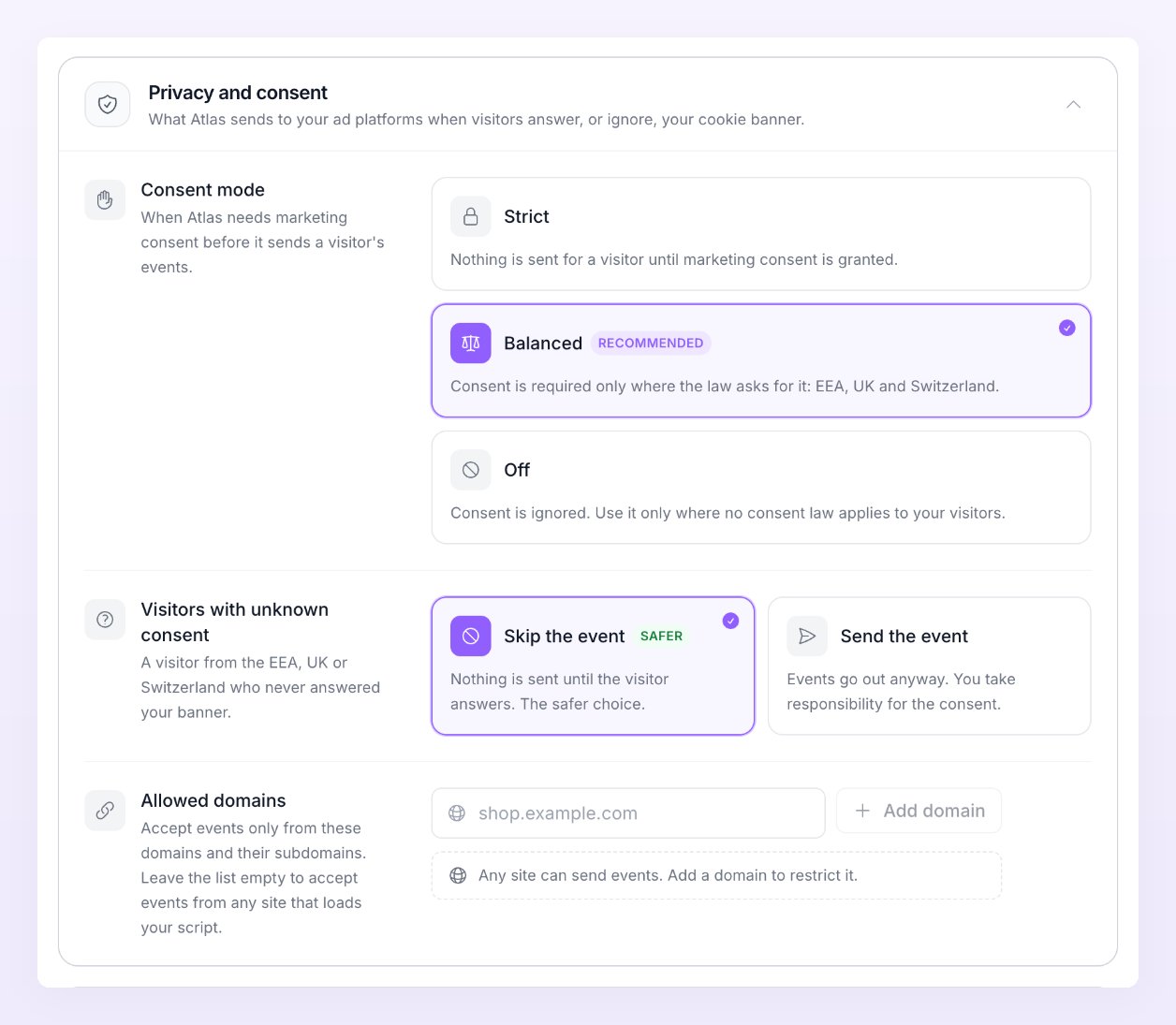
Testing
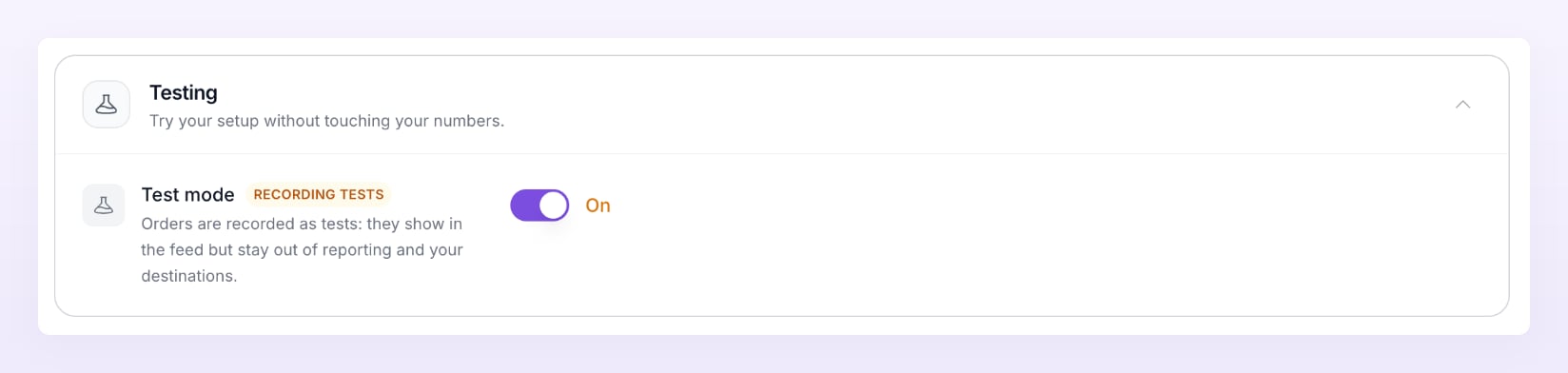
“Try your setup without touching your numbers.”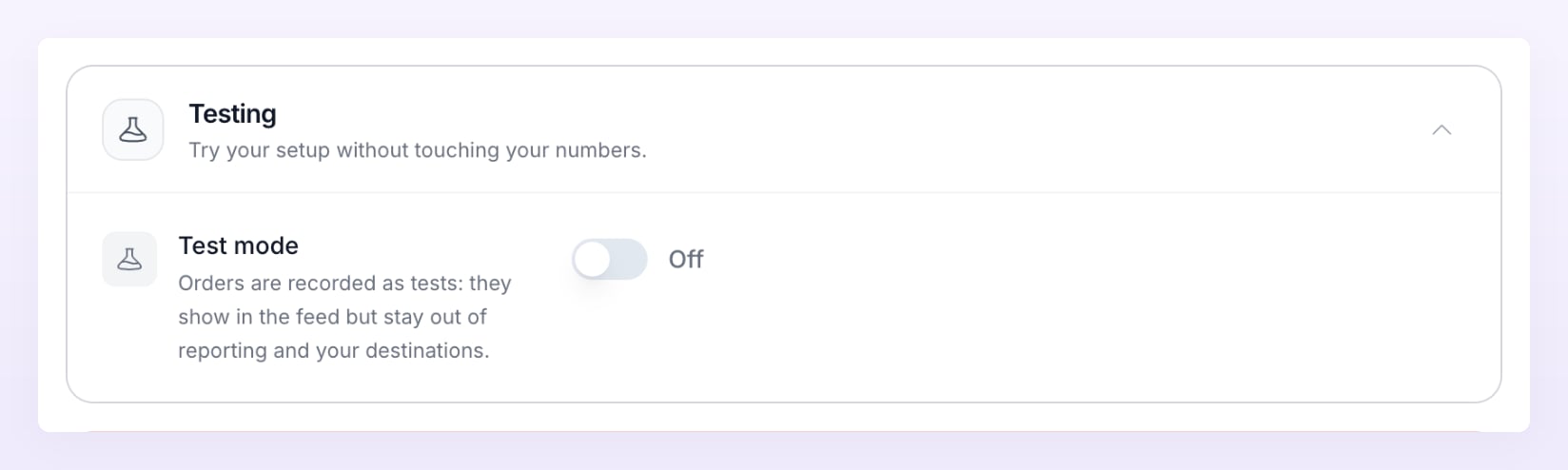

Danger zone
“Pause or delete the Atlas store. Nothing here touches your affiliate data.”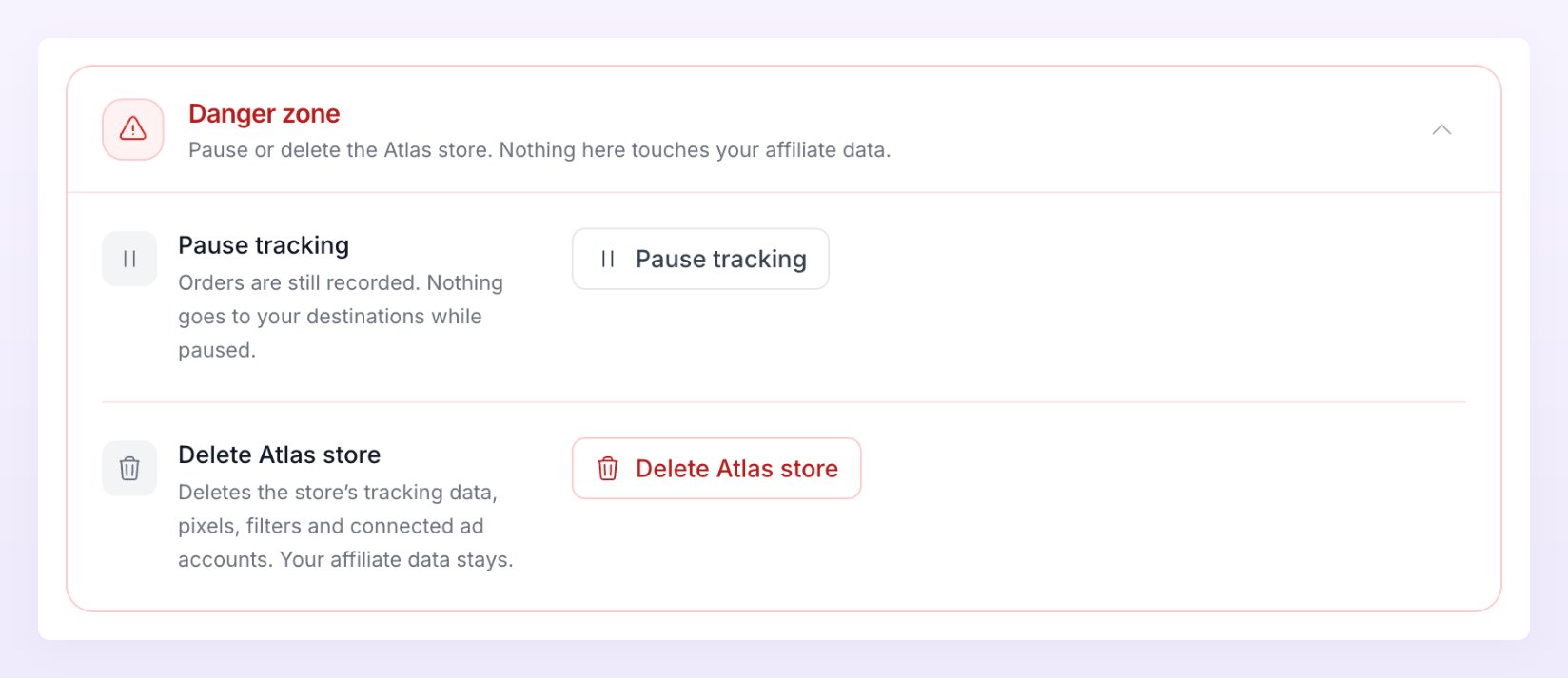
Pause tracking
“Orders are still recorded. Nothing goes to your destinations while paused.” The button is available for stores that are Running, Awaiting data or Reviewing. You see Store paused and the badge turns to Paused. While the store is paused the row reads Resume tracking: “Events start flowing to your destinations again.” Press it to go back to tracking; you see Store resumed.Delete Atlas store
“Deletes the store’s tracking data, pixels, filters and connected ad accounts. Your affiliate data stays.” Press Delete Atlas store in the dialog to confirm. You see Atlas store deleted.Related
Test the connection
What the four checks look for and how to read the results.
Consent and privacy
Where consent comes from and what Atlas hashes before it sends.
Businesses and stores
Switch between businesses, add stores and read their statuses.
Preferences
Account-wide time zone, display currency and email notifications.