Affiliates Can Now Generate Their Own Promo Codes
Affiliates can now create their own unique promo codes under your coupons, directly from the affiliate portal, no admin action needed.
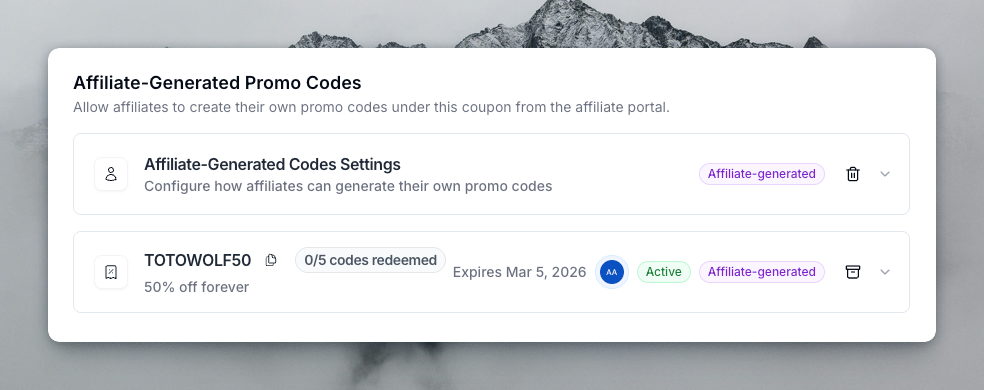
What's New
- New coupon setting: When creating or editing a coupon, click "Add Affiliate-Generated Codes" to configure the rules — minimum order value, max redemptions per code, expiration date, max codes per affiliate, and which affiliates are allowed.
- Affiliate portal: Affiliates see eligible coupons in their portal dialog and can create promo codes instantly. They can also delete codes they no longer need.
- Admin visibility: Affiliate-generated promo codes show up in a dedicated section on the coupon page in your dashboard, tagged with an "Affiliate-generated" badge. You have full management capabilities — archive, delete, or inspect them just like any other code.
- Webhook support: New
promocode.createdandpromocode.deletedevents fire automatically when affiliates create or remove their codes.
How It Works
- Go to Coupons and create or edit a coupon.
- Click Add Affiliate-Generated Codes in the footer.
- Configure limits and allowed affiliates, then save.
- Affiliates will see the coupon in their portal and can start generating codes.
This feature requires a Business plan or above.