Affiliates Can Now Create Their Own Referral Links
We've added the ability for affiliates to create and manage their own unique referral links directly from the affiliate portal.
What's New
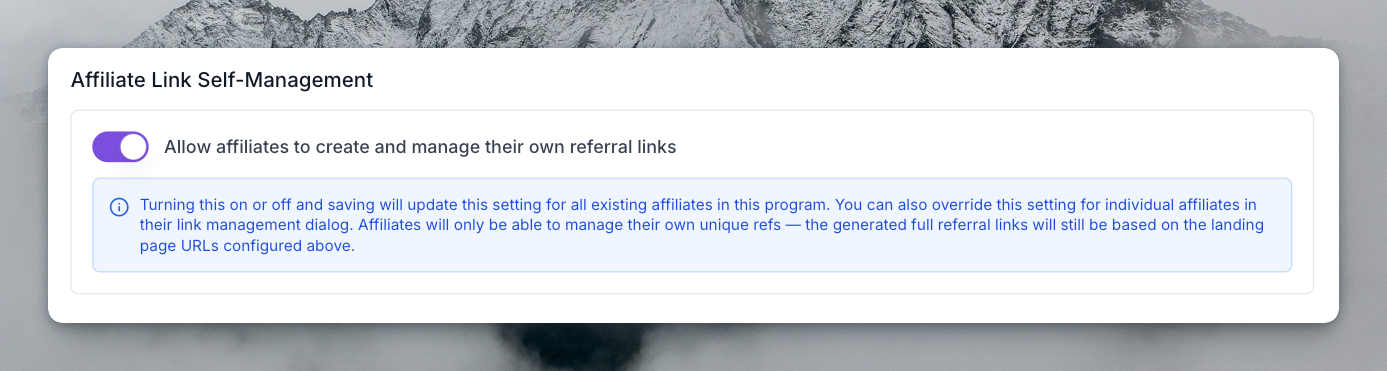
- Program-level toggle: Enable or disable affiliate link self-management for your entire program from Settings > Program Details > General > Landing Page URLs.
- Per-affiliate override: Fine-tune access by toggling link management on or off for individual affiliates from their link management dialog.
- Affiliate portal experience: When enabled, affiliates can create new referral links, edit their unique refs, and delete links they no longer need — all from the "Your affiliate details" dialog. Full referral URLs are still generated based on the landing page URLs you've configured.
How It Works
- Go to Settings > Program Details > General and scroll to the Affiliate Link Self-Management section.
- Toggle it on and save.
- Affiliates will now see link management options in their portal.
You can also limit specific landing page URLs to certain affiliates only, giving you full control over which pages your partners can promote.
Both features require a Business plan or above.