New Feature: Fraud Prevention (Self-Referral Detection)
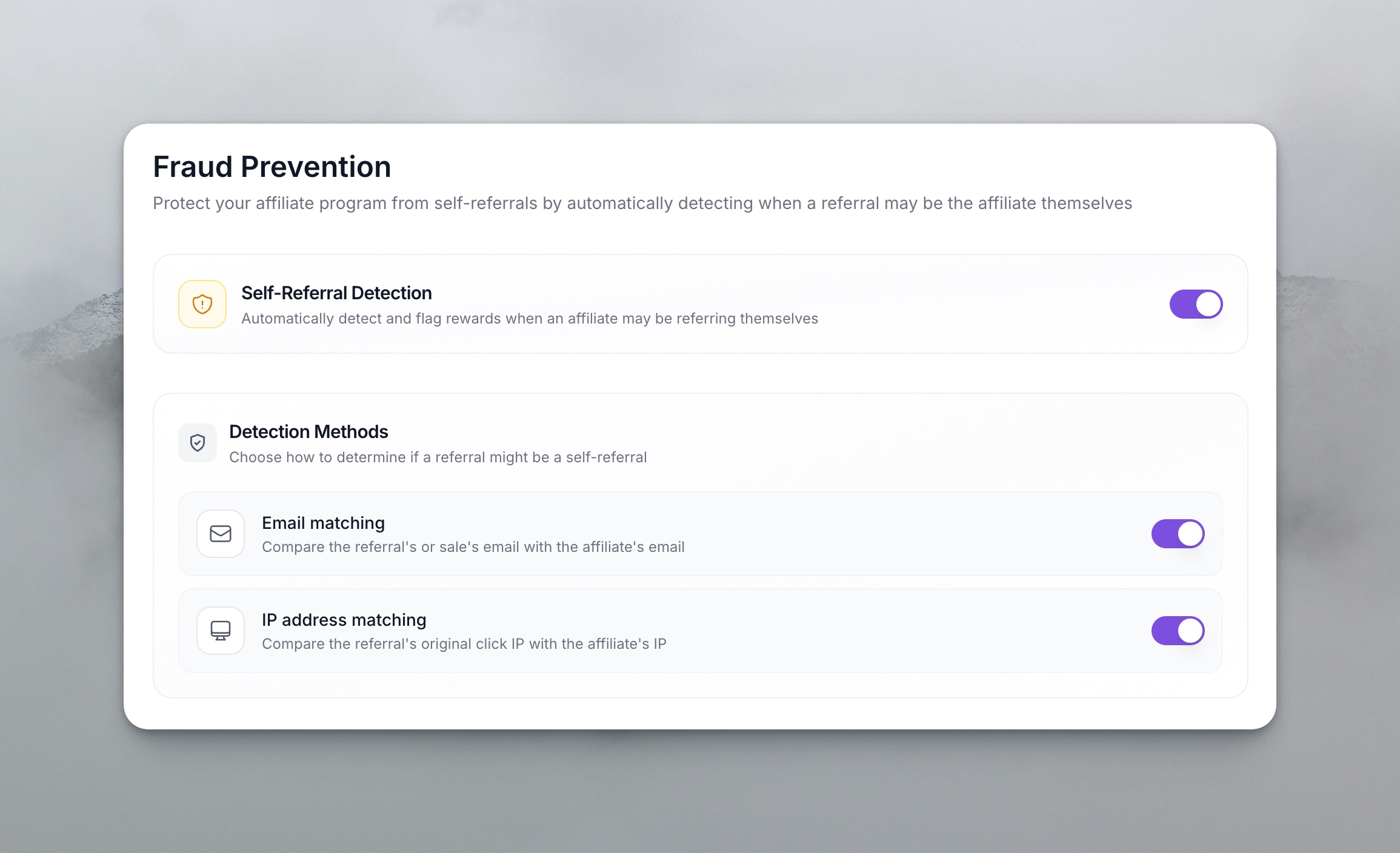
We've added a Fraud Prevention feature to help protect your affiliate program from self-referrals—when an affiliate may be referring themselves to earn rewards.
What's New
Settings
- New Fraud Prevention page under Program Details in your affiliate program settings
- Toggle to enable/disable self-referral detection (off by default)
- Detection methods (when enabled):
- Email matching — Compares the referral's or sale's email with the affiliate's email
- IP address matching — Compares the referral's original click IP with the affiliate's IP
- Action when detected:
- Hold for review — Rewards are held for manual approval (default)
- Reject automatically — Rewards are automatically declined
- Settings auto-save as you change them
Transactions
- Fraud prevention holds and rejections are clearly labeled in the Status column
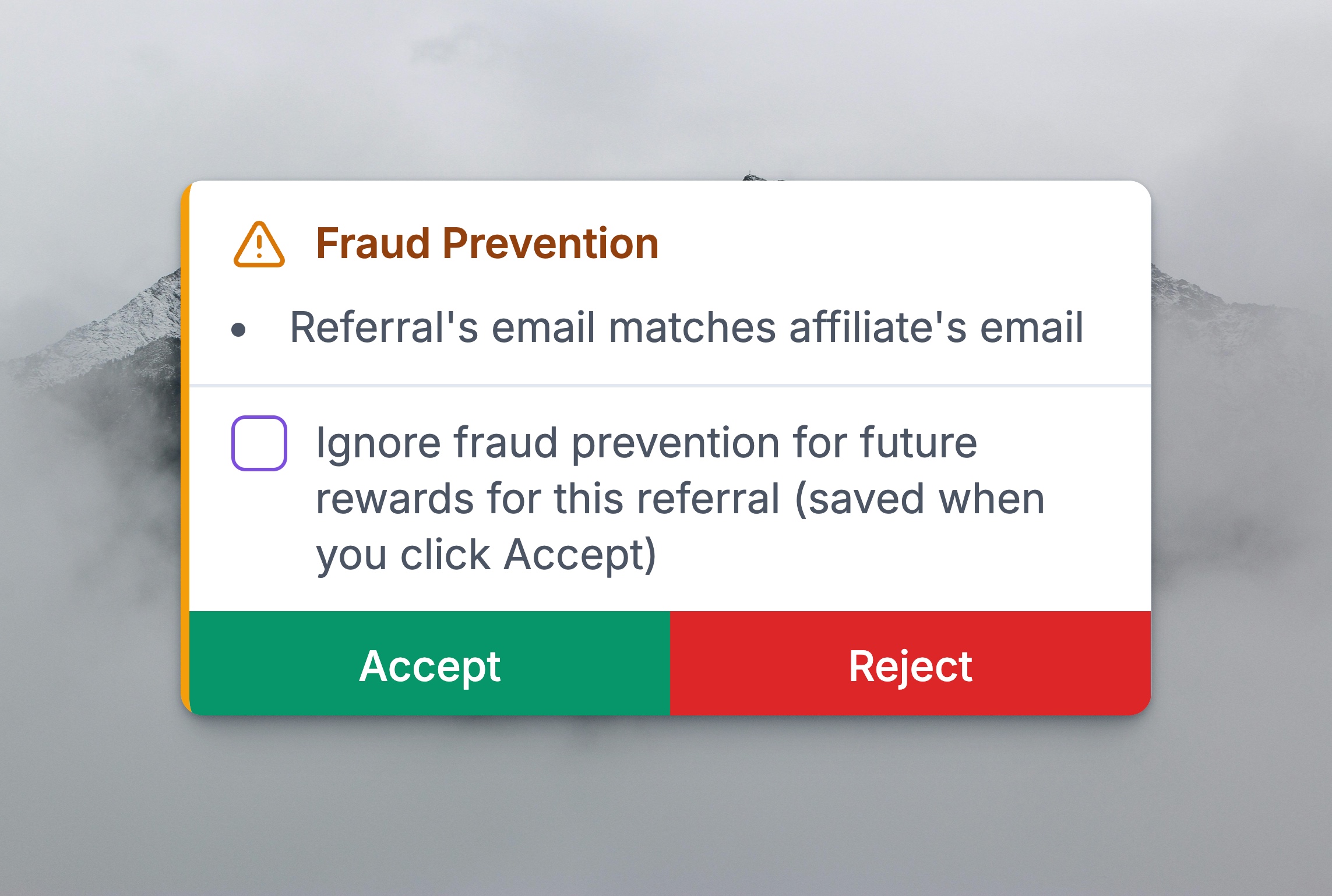
- Hover over the status badge to see why a reward was flagged (e.g., "Referral's email matches affiliate's email")
- Ignore fraud prevention — When approving a held reward, you can optionally check "Ignore fraud prevention for future rewards from this referral" so future rewards from that referral skip fraud checks (saved when you click Accept)
Where to Find It
Navigate to: Dashboard → Campaign → Settings → Program Details → Fraud Prevention