Payment proofs for manual payouts
You can now attach a proof of payment whenever you mark a payout as paid.
When you manually mark a payout, reward, or batch as paid, we'll ask you to upload a file first. This gives you a paper trail for every payment you send outside Referly.
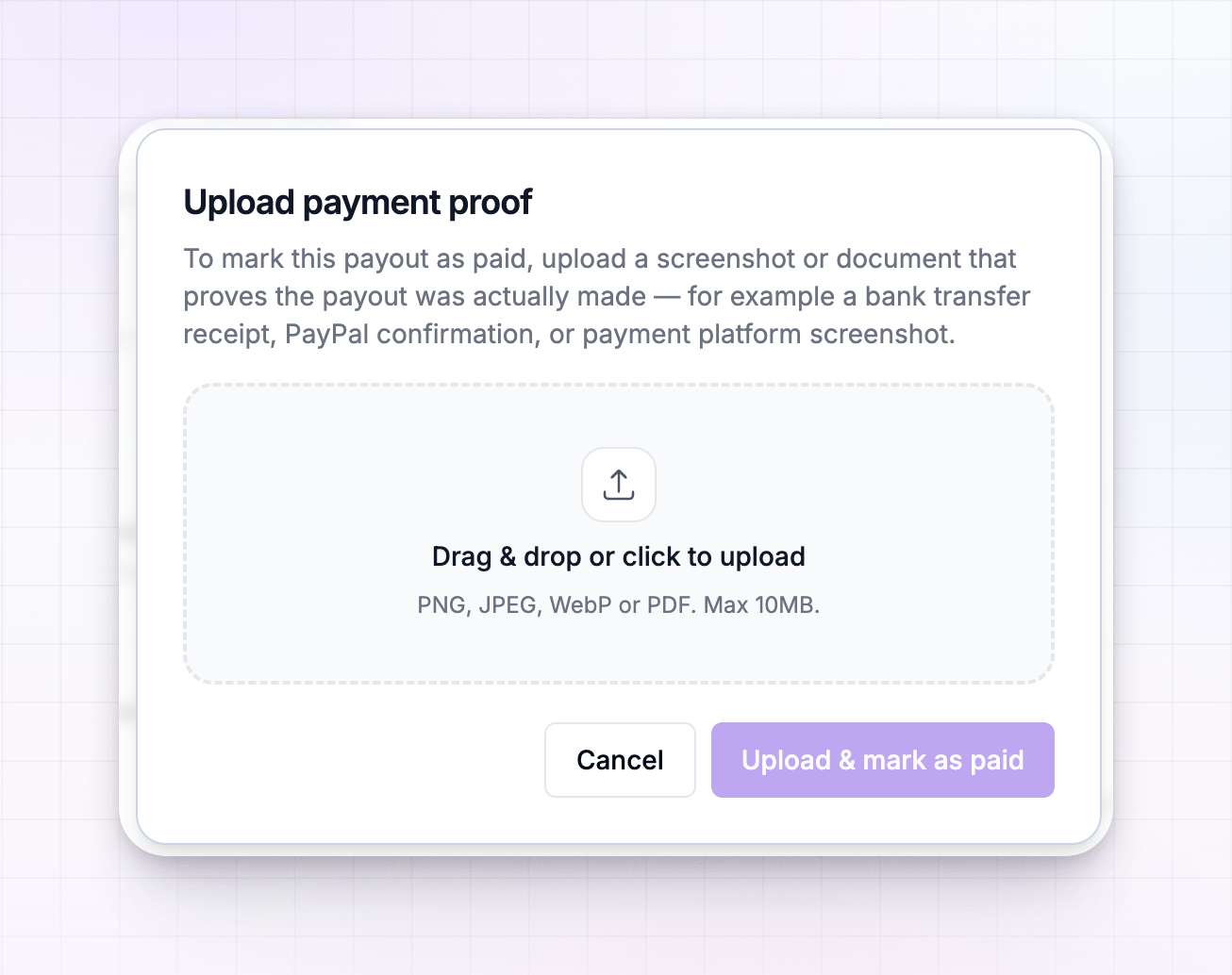
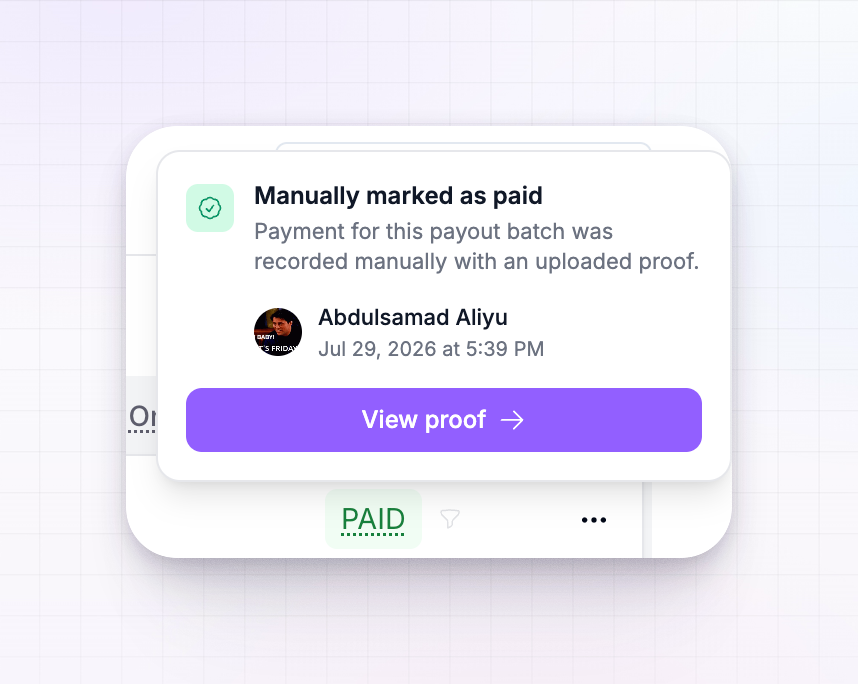
Once it's marked, the Paid badge shows who marked it and a "View Proof" link appears everywhere the payout is displayed.
A few things you can do:
- Upload proof when marking any payout, reward, or batch as paid
- See who marked each payout, right on the Paid badge
- Open the proof file from any view with the "View Proof" link
- Reverse a manually-paid payout or batch back to unpaid when you need to