Mass manual payouts
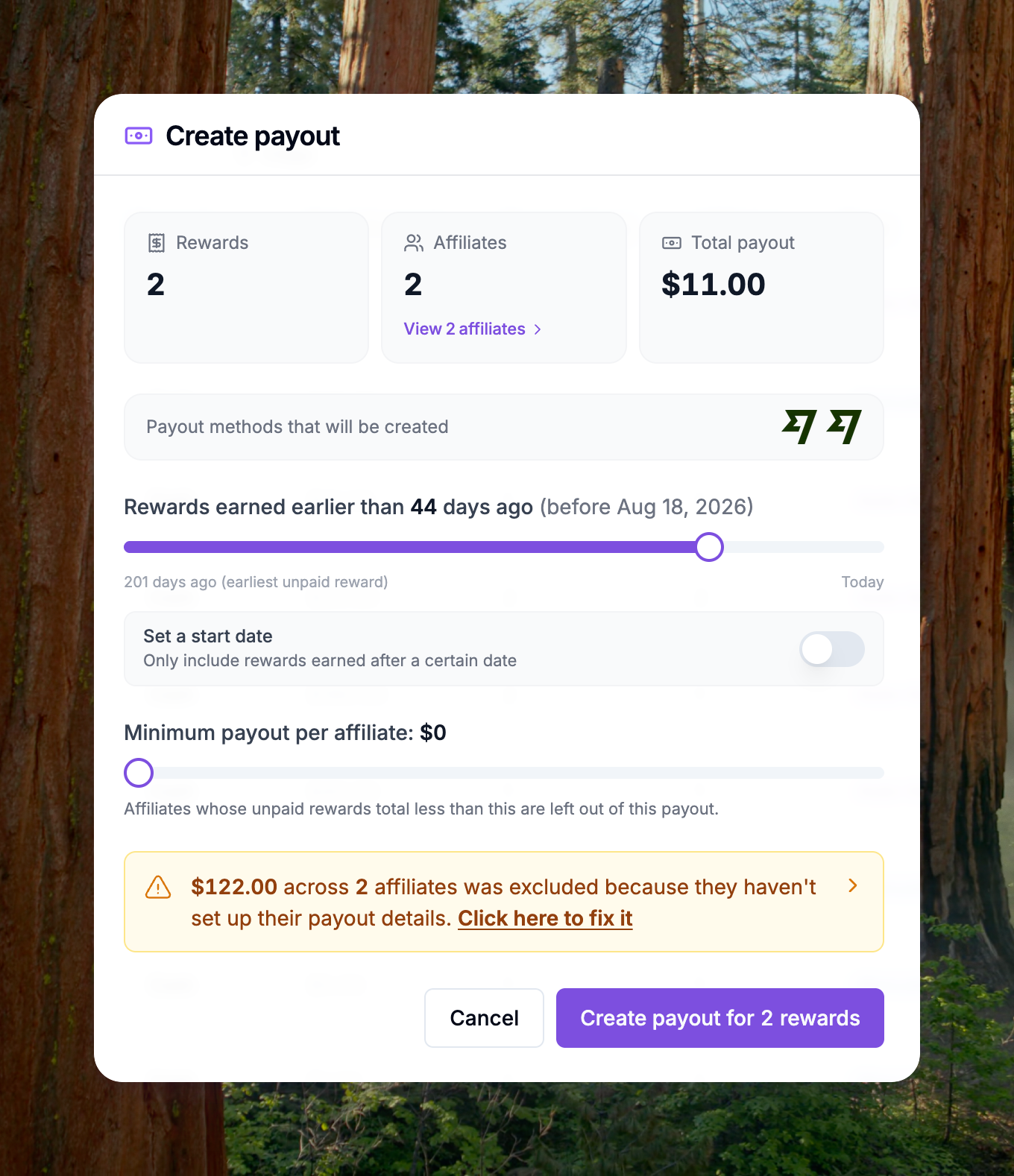
You can now create a mass payout batch manually from the Payouts page. Pay a large group of affiliates in one run instead of processing them one by one.
This is handy when you need to pay affiliates outside your normal automated schedule.
To get started, open the Payouts page and click Create Manual Payout. Then:
- Pick your payout method
- Select the affiliates you want to pay
- Confirm the amount and trigger the run
Your new batch shows up in the Payout Batches section, with its status and payout method ready to track.