

- A Google account for your company (a shared company address works best).
- Your company’s D-U-N-S number. If you got one for Apple, use the same number. See Get a D-U-N-S number.
- A company phone number that can receive a text or a call, and the company’s legal name and address.
- Cost: 25 USD once, paid to Google.
Choose an organization account
Google offers two kinds of developer account. Choose organization.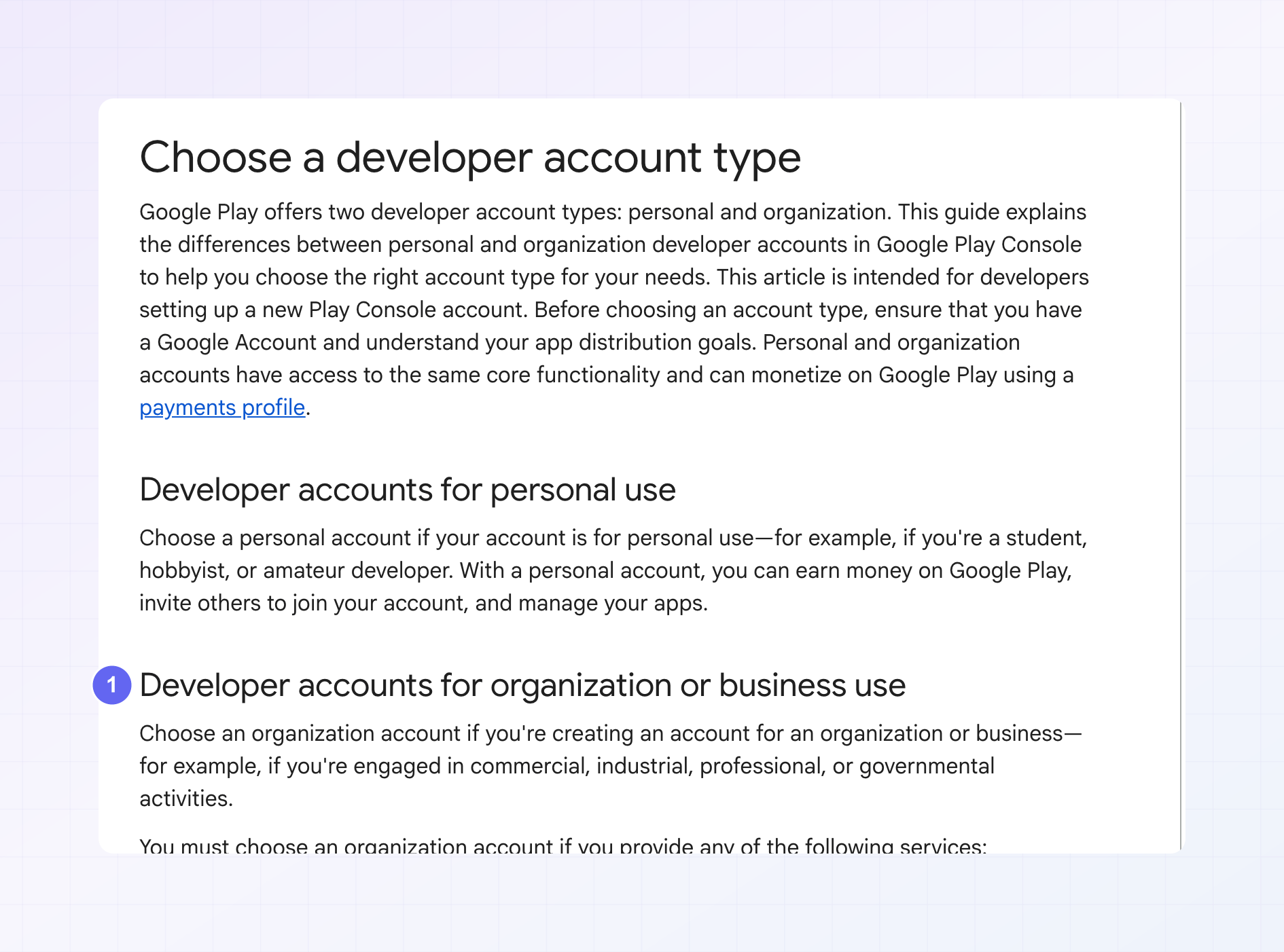
- An organization account is for a company or other business, and shows your company as the developer.
Register
Play Console’s sign-up form is behind Google’s sign-in, so the steps are written out.
- Open play.google.com/console/signup and sign in with the company Google account.
- Choose Organization.
- Create a payments profile for your company with its legal name and registered address.
- Enter your organization’s details and its D-U-N-S number. The name, address and phone must match Dun & Bradstreet’s record.
- Enter the developer name people will see on Google Play (your brand), a contact email and a phone number. Google verifies the phone number with a code.
- Accept the Developer Distribution Agreement and pay the 25 USD fee.
Verify your organization
Google checks that your company is real before you can publish.- Google may ask for a document, such as a certificate of incorporation or a tax registration letter, and sometimes an ID for the account owner. Upload it when Play Console asks.
- Progress shows on the Play Console home page. Verification usually takes a few days and can take longer.
- You’re done when Play Console lets you select Create app.
Personal accounts and the 12-tester rule
Google’s rule for personal developer accounts created after 13 November 2023: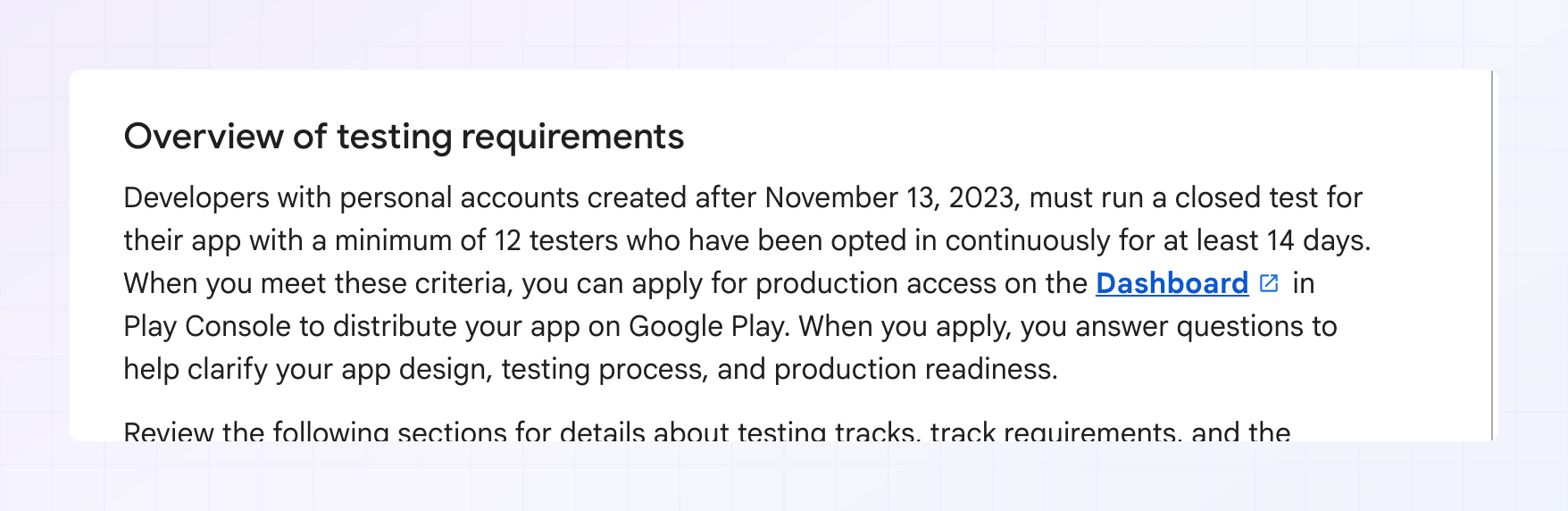
- At least 12 testers must join a closed test of your app.
- They must stay opted in for 14 days in a row.
- Only then can you apply for production access on the Play Console dashboard, and Google reviews that application.
- In Play Console, open your app → Test and release → Testing → Closed testing and create a track.
- Add at least 12 testers by email (your affiliates or clients work well) and share the opt-in link with them.
- After 14 days with 12 or more testers opted in, apply for production access from the dashboard.