

- Your app exists in App Store Connect and Referly found it. See Create your app in App Store Connect.
- Open App Store Connect → Apps and select your app. Each section below starts there.
These pages are behind Apple’s sign-in, so the steps are written out.
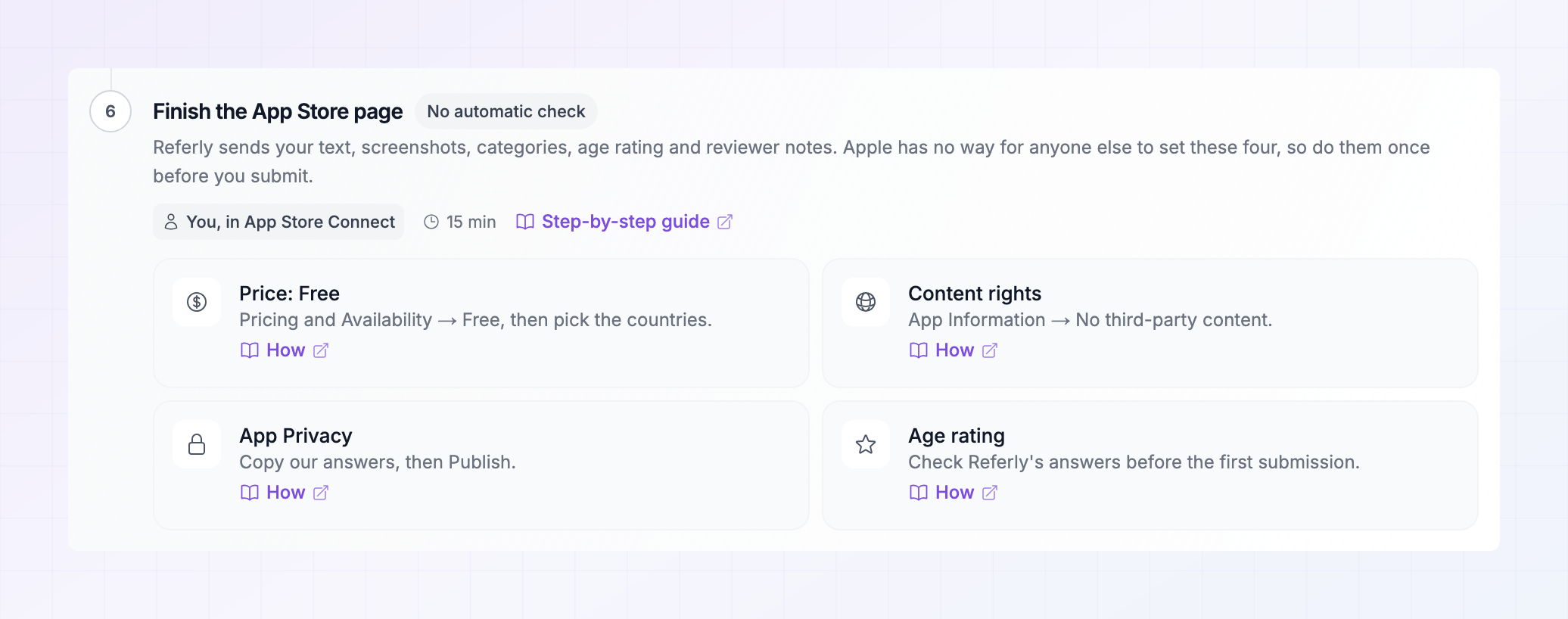
Set the price and availability
Your app is free: affiliates and clients never pay anything inside it.- In the sidebar, under Monetization, select Pricing and Availability.
- Under Price Schedule, select Add Pricing, choose your base country or region, choose Free, then continue and confirm.
- Scroll to App Availability, choose All Countries or Regions (or pick specific ones), then confirm.
Answer the content rights question
- In the sidebar, under General, select App Information.
- Under Content Rights, answer whether the app contains, shows or accesses third-party content. Choose No unless your app shows material you don’t have the rights to, such as other brands’ images in your affiliate assets.
- Select Save.
Fill in App Privacy
Apple shows these answers on your App Store page. They describe the app Referly builds; check them against your own program before you publish them.- In the sidebar, select App Privacy.
- Check the Privacy Policy URL. Referly sends the one from your listing.
- Under Data Collection, select Get Started, answer Yes, we collect data from this app, and tick the data types in the table for your kind of app.
- For each type, answer the follow-up questions as shown. Nothing is used for tracking: the app doesn’t follow people across other companies’ apps or websites.
- Select Publish.
Client apps for agencies
The same table, without Phone Number and Other Financial Info: people using a client app sign in with their dashboard account and don’t enter payout details for themselves.
If your sign-up form, Messages or payout settings differ from the defaults, adjust the answers to match what your app really collects. Apple can reject an app whose answers don’t match.
Check the age rating
Referly sends age rating answers from your listing (no mature content, plus your answers about gambling, unrestricted web access and user-generated content). Apple sometimes adds new questions that it asks you to answer yourself.- In the sidebar, under General, select App Information.
- Under Age Rating, select Edit if Apple shows any unanswered question, answer it, and save.
What you don’t need to do
- Export compliance: Referly marks every build as using only standard encryption, so Apple doesn’t ask you about it.
- Reviewer sign-in: Referly sends the reviewer account’s sign-in and your reviewer notes with every submission. See Reviewer sign-in.
- Release: Referly submits with manual release, so an approved version waits until you press Launch.