

refurl.link domain — which needs no setup at all — or on a domain you own, so affiliates share links that carry your brand.
Once it’s on, shortened links are generated automatically for every affiliate link and landing page combination. There’s nothing for you or your affiliates to create by hand.
To set this up, go to Settings, open Program details, select Automated short links, and choose Referly Short Links under Short Link Type.
Short links are a Business-plan feature. If your program is managed by an agency, this option may not be available — agencies can disable Referly short links for the programs they manage, and saving it anyway returns Your agency has disabled Referly short links for this program.
Choose your domain
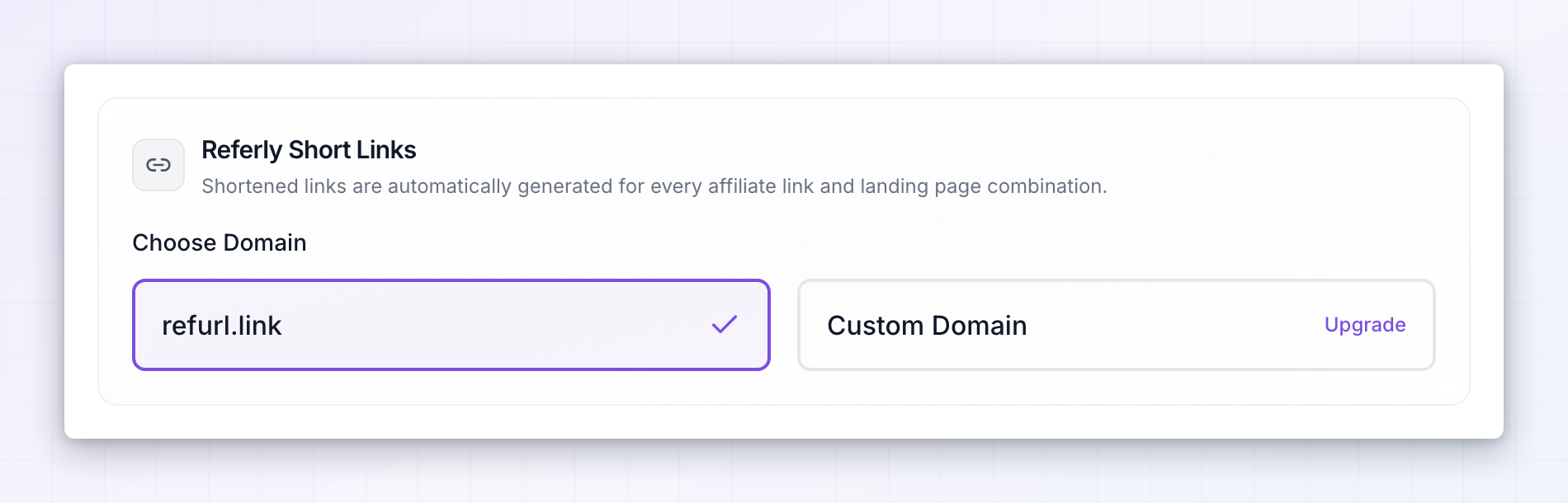
Choose Domain offers two options.refurl.link
Referly’s own short domain. Select it, save, and you’re finished — affiliates get links likerefurl.link/jane immediately, with nothing to configure or verify.
This is the right choice if you want short links working today, or if the domain itself isn’t important to you. The only thing you give up is branding: the link says refurl.link, not your company.
Custom Domain
Your own domain, so affiliates share something likelinks.yourbrand.com/jane. Branded short links look more trustworthy to the people clicking them, and they keep your name in front of the audience rather than a domain nobody recognizes.
This takes a few minutes of DNS setup, described below. It’s also Business-plan only, and shows an Upgrade label if your plan doesn’t include it.
Connect a custom domain
Select Custom Domain, then Manage Domains to open the Manage Custom Domains dialog.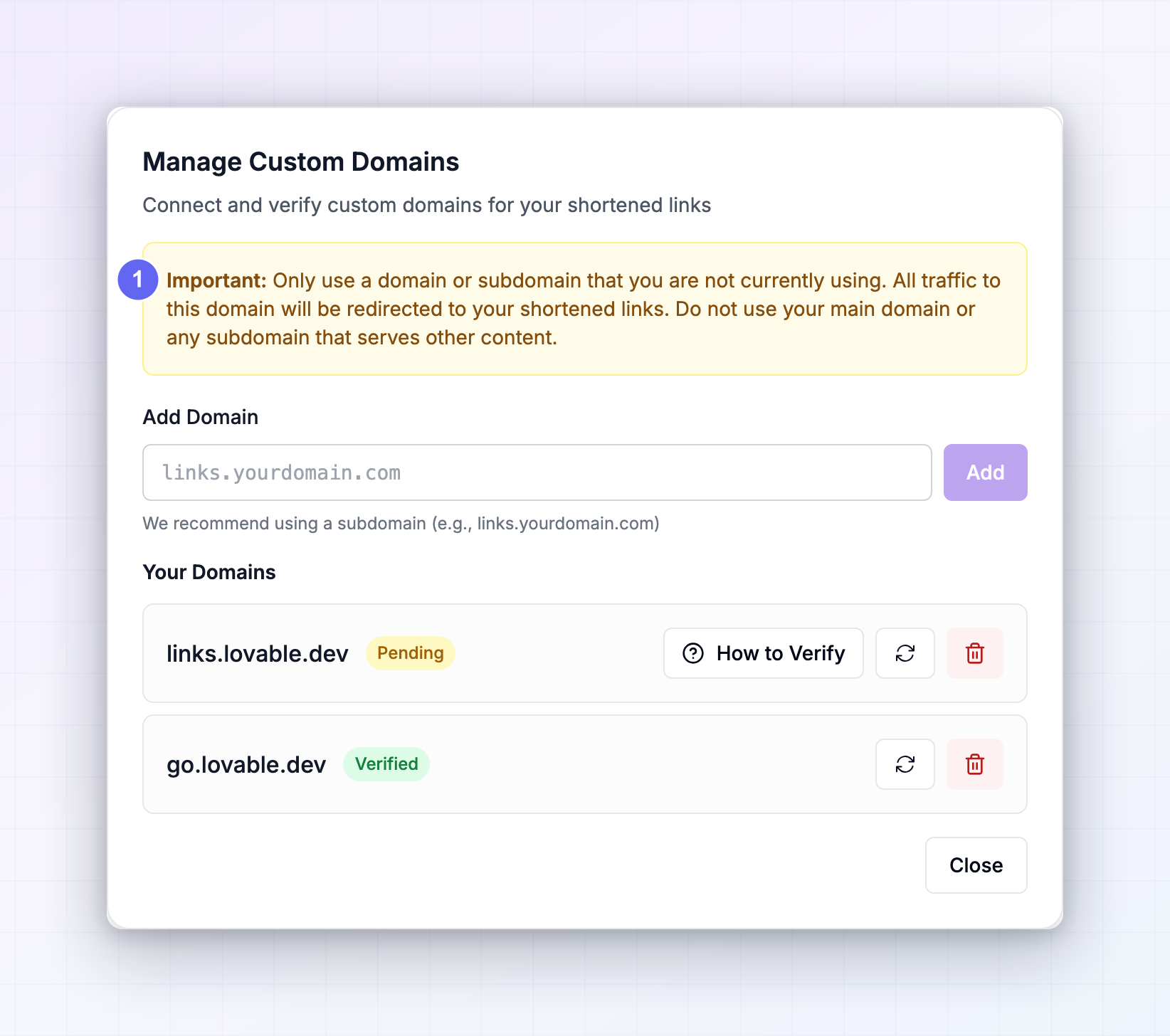
Add the domain
Type it into the Add Domain field — the placeholder shows the recommended shape,links.yourdomain.com — and select Add. You’ll see Domain added successfully and the domain appears under Your Domains with a Pending badge. Pending means Referly can’t see the DNS records yet.
Point your DNS at Referly
Select How to Verify beside the pending domain to open DNS Configuration, which lists the records to add at your domain provider — the company you bought the domain from, such as Cloudflare, GoDaddy, or Namecheap.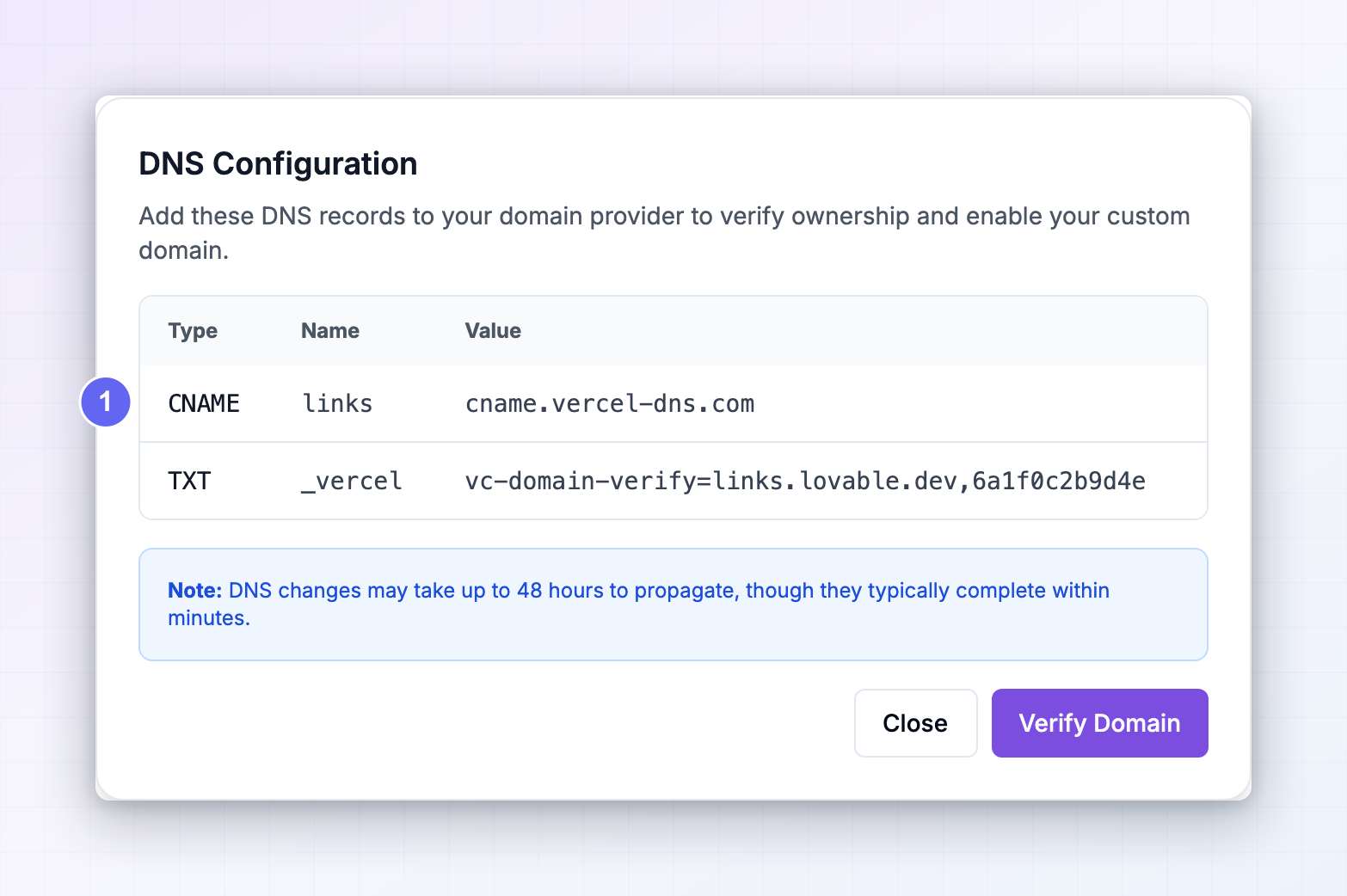 You’ll always see a CNAME record. For a subdomain like
 links.yourbrand.com, it looks like this:
There may be an additional verification record listed beneath it. Add every record shown exactly as it appears, then come back.
Two things that trip people up here. Enter the Name exactly as shown — most providers want just the subdomain part (
links), not the whole address, and adding the full domain creates a record at links.yourbrand.com.yourbrand.com. And if your provider has a proxy option, as Cloudflare does, leave it off for this record so Referly can verify it.
Verify
Select Verify Domain, or the refresh icon beside the domain, to re-check. When the records are visible the badge turns to Verified and you’ll see Domain verified successfully. DNS changes usually take effect within minutes, but they can take up to 48 hours to propagate. If verification fails, wait a few minutes and refresh again before assuming something’s wrong — most first attempts simply run ahead of the DNS. To remove a domain, select the trash icon beside it and confirm. Deleting a domain can’t be undone, and any short links already published on it stop working.Select the domain and save
Close the dialog and your verified domains are listed under Select Custom Domain. Choose the one you want and select Save Changes. You’ll see Short links settings saved successfully.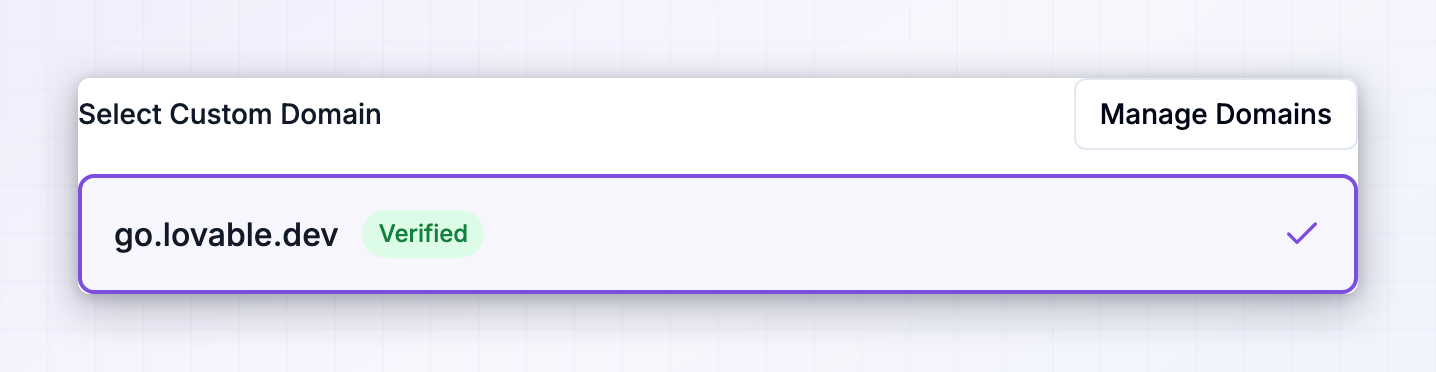 Only verified domains can be selected. If the list is empty you’ll see a prompt to use Manage Domains to add and verify one, and trying to save without picking a domain gives you Please select a custom domain.
After it’s on
Every affiliate gets a short link automatically, including affiliates who join later, and they’ll find it alongside their normal link in their portal. Their full-length links keep working exactly as before — short links are an addition, not a replacement. If you later switch domains, short links published on the old one stop resolving, so it’s worth settling on a domain before you promote it widely.Related
Automated short links
Compare the short link types and choose the right one.
Shopify short links
The alternative if you sell on Shopify.
General program settings
Set the landing pages your short links redirect to.
Tracking methods
Choose how referrals get attributed to an affiliate.