> ## Documentation Index
> Fetch the complete documentation index at: https://referly.so/docs/llms.txt
> Use this file to discover all available pages before exploring further.
# Welcome to Referly
> What Referly is and how its pieces fit together: your program, tracking, affiliates, customers and sales, rewards, and payouts, plus the engagement, gamification, growth, and integration layers on top.
Referly is affiliate and referral marketing software. You use it to track referrals, manage the people who send you those referrals, and pay them commissions. This page explains what the product does and how its parts fit together, so you know where to go next.
If you already know what you want to do, jump to [setting up your program](/help-center/getting-started/set-up-program/affiliate-program-setup), [recruiting affiliates](/help-center/getting-started/recruit/invite-affiliates), or [connecting an integration](/help-center/integrations/overview).
## What Referly does
Referly gives you one place to run a partner, affiliate, or referral program:
* Track every click, sign-up, and sale back to the affiliate who sent it.
* Recruit affiliates, review applications, and organize them into groups.
* Set the commission rules that decide what each sale is worth.
* Approve the rewards those rules generate, then pay them out.
* Keep affiliates active with messages, assets, coupons, and gamification.
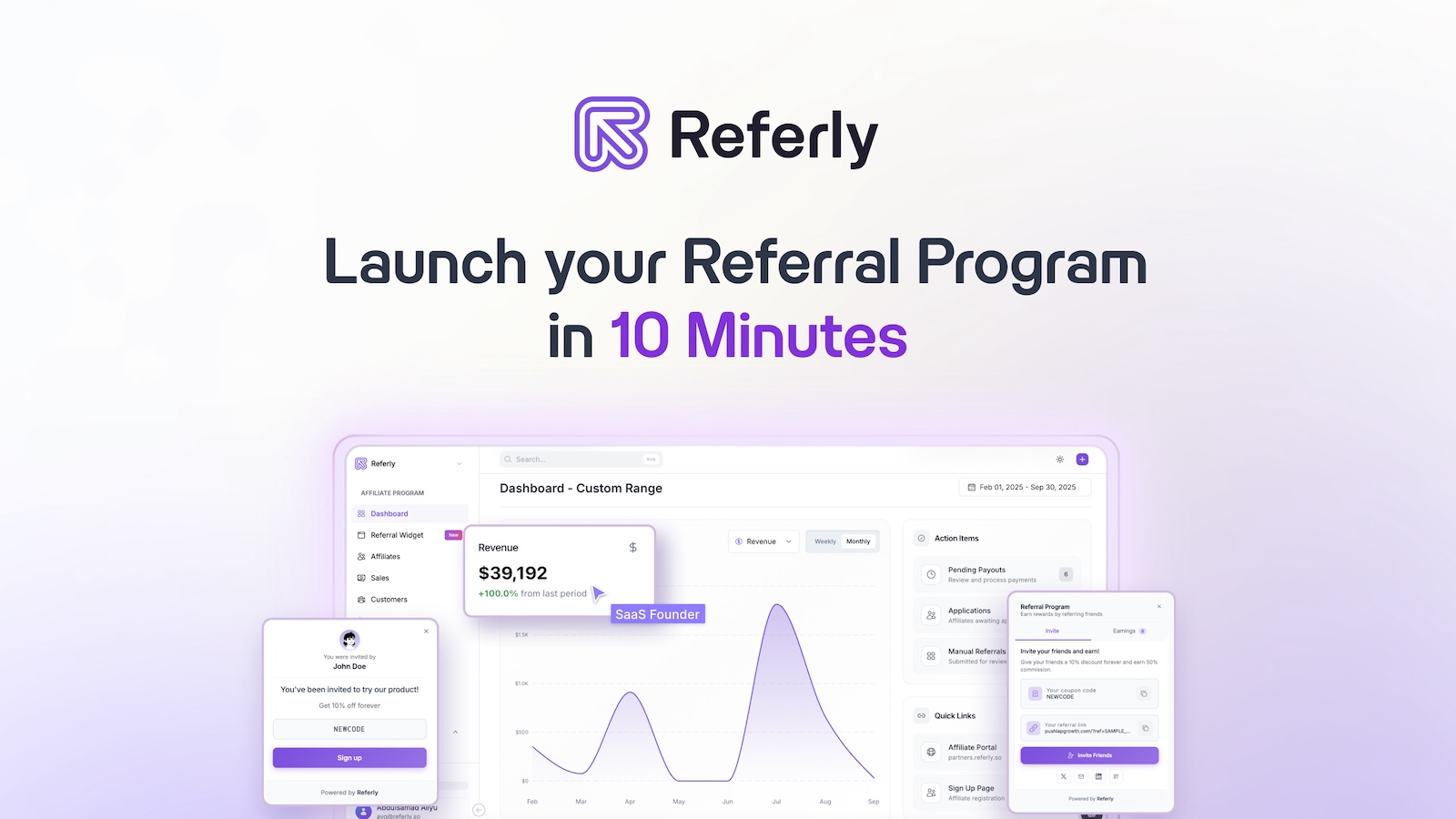
You do all of this from your program dashboard.
## How the pieces fit together
Every program follows the same path: a visitor arrives through an affiliate, becomes a customer, generates a reward, and gets paid. Here is how each piece plays its part.
A program holds your commission rules, branding, affiliate portal, and settings. Most accounts run one program, but you can create more, one per brand or product line. See [setting up your program](/help-center/getting-started/set-up-program/affiliate-program-setup).
Tracking connects a visitor to the affiliate who referred them. Referly does this with referral links, coupon and promo codes, and a tracking script on your site or through an integration. Set your methods under [tracking methods](/help-center/settings/program/tracking-methods).
Affiliates are the partners who promote you. You invite them, add them manually, or let them apply through your sign-up page. Once approved, each affiliate gets a portal with their links, codes, and earnings. See [managing affiliates](/help-center/manage/affiliates/overview).
When a referred visitor buys, Referly records a customer and the sale attributed to them. Sales arrive automatically from an integration like [Stripe](/help-center/integrations/stripe) or [Shopify](/help-center/integrations/shopify), through the API, or by [adding them manually](/help-center/manage/customers/add-a-sale). See [customers](/help-center/manage/customers/overview).
Each qualifying sale creates a reward for the affiliate, based on your [commission plan](/help-center/getting-started/commissions/overview). Rewards can wait on a hold period, then you approve or decline them before they are paid. See [rewards](/help-center/manage/rewards/overview).
Approved rewards become payouts. You can pay affiliates yourself or through Referly, group payments into batches, and set a schedule and minimum amount. See [payouts](/help-center/manage/payouts/overview).
Watch the whole flow in [analytics](/help-center/manage/analytics/overview), which shows performance, affiliate acquisition, and your conversion funnel over any date range.
## The layers built on top
Once the core loop runs, four layers help you engage affiliates and grow the program.
Message affiliates, post announcements, share marketing assets and coupons, and add a referral widget, pop-ups, or emails.
Reward activity with milestones, performance bonuses, content rewards, leaderboards, and contests.
Find new partners through influencer discovery, list your program in the marketplace, and work with affiliate managers.
Connect your payment, ecommerce, automation, email, and payout tools so sales and payouts flow without manual work.
## Who these docs are for
Referly serves three audiences, and the docs are organized around them.
You run a program for your own business. Start with getting started, then managing your program.
You run programs for clients. See how to manage client programs, control feature access, and white-label the experience.
You promote a program and get paid. Learn the portal, your links and codes, and how payouts work.
If you are an affiliate, most of your work happens in the affiliate portal, where you find your referral link, track earnings, and grab promotion tools.
## Building on Referly
If you are a developer, you can install tracking yourself, receive webhooks, and call the API directly.
Install tracking, capture sales server-side, and receive webhooks.
Every endpoint, with request and response examples.
## Next steps
Create your program and get tracking live on your site.
Decide what each sale is worth to an affiliate.
Invite partners, add them manually, or open a sign-up page.
Bring your affiliates, customers, and sales across.