> ## Documentation Index
> Fetch the complete documentation index at: https://referly.so/docs/llms.txt
> Use this file to discover all available pages before exploring further.
# Authentication
> Generate an API key from your dashboard and authorize your Referly API requests with a Bearer token.
The API is a premium feature that's only available to users who have an active
Business Plan. [See Pricing Page](https://referly.so/pricing)
To use this API, you need to have created your Affiliate Program and entered all necessary details.
All API endpoints are authenticated using Bearer tokens, this requires you to have completed creating your Affiliate Program. Here's how you create an Auth Token:
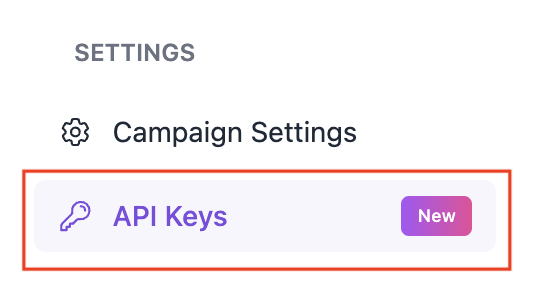
Step 1. Click on `API Keys` on your dashboard sidebar:
 Step 2. Click on `Generate New API Key +`:
 Step 3. Click the copy icon to copy your Auth Token:
 Step 4. Add your Auth Token to your API requests:
```json theme={null}
{
"Authorization": "Bearer "
}
```
Your API key grants full access to your program. Keep it on your server and never expose it in
client-side code.
Step 4. Add your Auth Token to your API requests:
```json theme={null}
{
"Authorization": "Bearer "
}
```
Your API key grants full access to your program. Keep it on your server and never expose it in
client-side code.